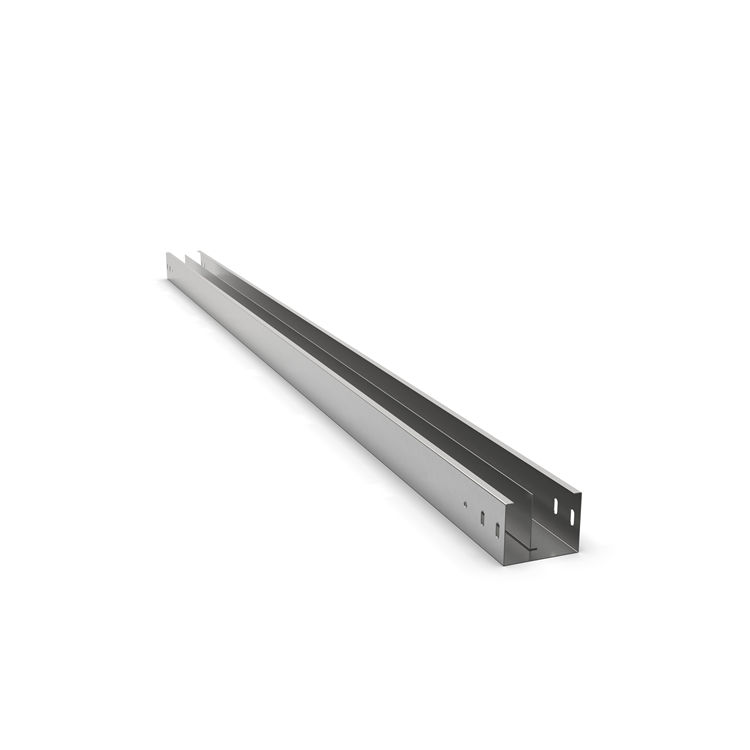


1. Separate power and data cables in one tray.
2. Built-in divider eliminates electromagnetic interference between cables.
3. One tray, two compartments – clean and organized wiring.
4. Meets NEC separation requirements without extra trays.
In modern electrical and network infrastructure, separating power cables from data, control, and communication cables is not just a best practice – it is often required by codes such as NEC (National Electrical Code) and TIA/EIA standards. A cable tray with separator (also known as a divided cable tray, divider tray, or barrier cable tray) provides a physical partition within a single tray channel, allowing you to run low-voltage and line-voltage conductors side by side without electromagnetic interference (EMI) and in compliance with NEC Article 392 and 800.133(A)(2).
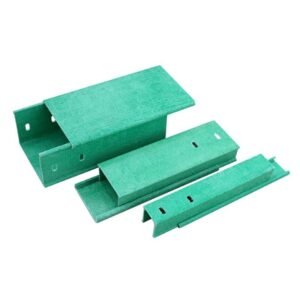
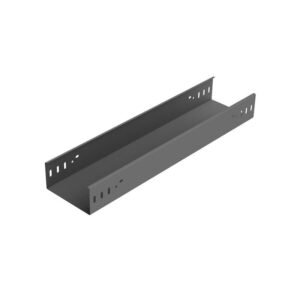
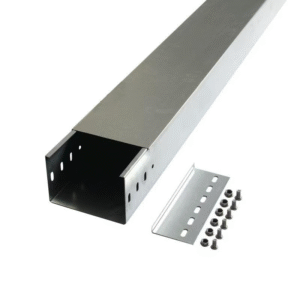
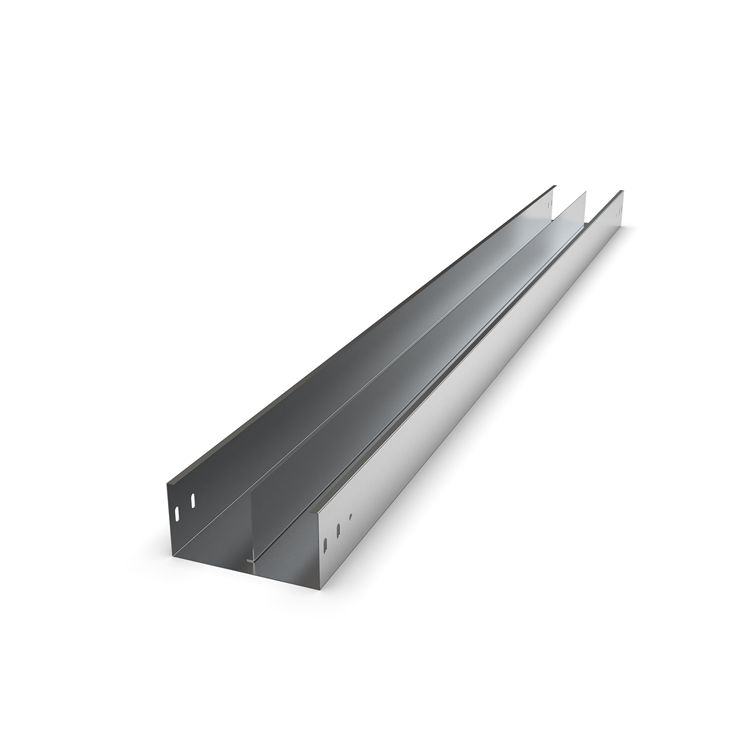
A cable tray with separator is a rigid support system – typically made of steel (pre-galvanized, hot-dip galvanized, or stainless steel), aluminum, or fiberglass reinforced polyester (FRP) – that includes a removable or fixed longitudinal divider running through the center or off-center of the tray. This divider creates two or more discrete compartments within a single tray footprint.
Eliminate separate tray runs – Save material, labor, and ceiling/wall space.
Reduce electromagnetic interference (EMI) – Keep sensitive data cables away from dirty power.
Simplify maintenance – Identify and access power vs. signal circuits instantly.
Meet fire and safety codes – Maintain required separation without extra supports.
Lower total installed cost – One tray + one divider instead of two full tray systems.
Our Cable Tray with Separator series is engineered for industrial, commercial, and data center environments where cable density is high and separation is mandatory.
| Tray Type | Separator Style | Best For |
|---|---|---|
| Ladder cable tray | Removable bolt-on metal divider | Heavy power + multiple data cables |
| Perforated (ventilated) tray | Snap-in or screw-fixed divider | Light industrial, IT rooms |
| Solid bottom tray | Integrated welded or removable | Dust-sensitive environments |
| Wire mesh cable tray | Clip-on plastic or metal divider | Quick deployment, data centers |
| FRP cable tray | Non-conductive divider | Chemical plants, high-EMI areas |
Pre-galvanized steel – Cost-effective indoor use.
Hot-dip galvanized steel (HDG) – Outdoor and corrosive areas.
Stainless steel (304/316) – Food, pharma, marine, coastal.
Aluminum – Lightweight, non-corrosive, RF shielding.
FRP (fiberglass) – Non-conductive, chemical resistant.
Height: Matches tray side rail (typically 2″ to 8″)
Thickness: 14 ga to 12 ga (steel); custom for FRP/aluminum
Positioning: Fixed center, adjustable, or multi-channel (2, 3, or 4 compartments)
Finish: Same as tray – galvanized, powder-coated, or bare aluminum
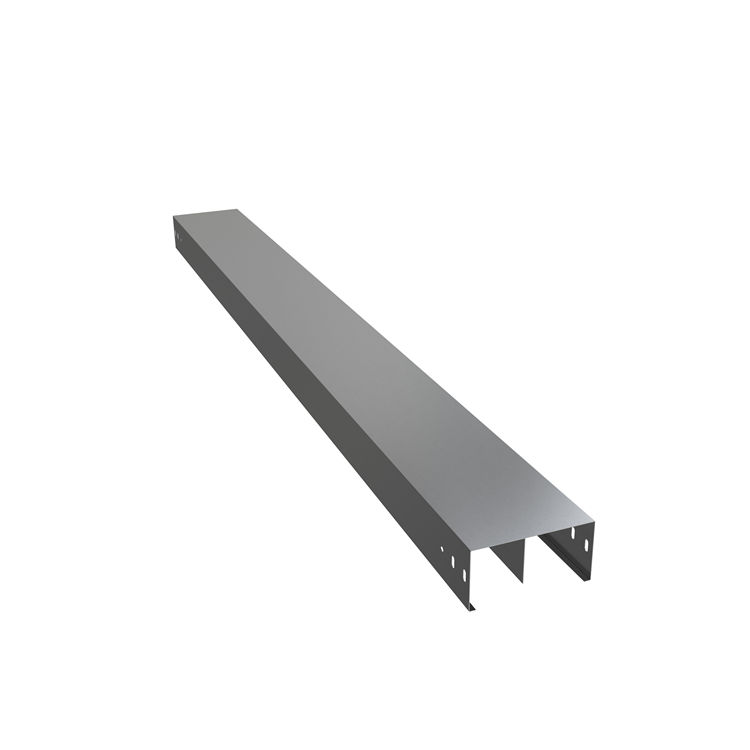
NEC 800.133(A)(2) requires physical separation between power conductors and communication circuits unless a listed divider is used. Our cable tray with separator meets the definition of a permanent barrier and eliminates the need for a 2-inch air gap or separate raceways.
NEC 392.20(B) allows power and non-power cables in the same tray provided a solid or non-metallic divider is used. Our dividers are tested for dielectric strength and mechanical durability.
When power cables (480V, 208V) run parallel to Ethernet, RS-485, or thermocouple cables, electromagnetic interference corrupts signals. A grounded metal separator acts as a shield, reducing crosstalk and bit error rates. For extreme sensitivity, we offer solid aluminum dividers that provide near-perfect isolation.
In case of cable failure, a separator contains the fault to one compartment. This fault containment prevents cascade failures and allows critical circuits (fire alarms, emergency lighting) to remain operational.
| Tray Width | Separator creates | Compartment A | Compartment B |
|---|---|---|---|
| 12″ (305mm) | Center split | 6″ | 6″ |
| 18″ (457mm) | Off-center (optional) | 12″ / 6″ | – |
| 24″ (610mm) | Two dividers | 8″ / 8″ / 8″ | Three zones |
| 36″ (914mm) | Custom | As specified | Up to 4 zones |
Length: 10ft or 12ft standard (3m / 3.66m), custom lengths available.
Loading: Light duty (75 lb/ft), medium duty (100 lb/ft), heavy duty (150 lb/ft).
Bolt-on – Most secure, ideal for vibration areas.
Snap-in / clip-on – Tool-less, fast installation for wire mesh trays.
Slide-in channel – Adjustable divider position after installation.
Welded – Permanent, for solid bottom trays in harsh environments.
All metal separators are designed with bonding jumpers to ensure continuous ground path. Non-metallic dividers (FRP) do not require bonding but are anti-static treated.
Map out which cables require separation (power >50V vs. Class 2 circuits vs. data). Use color-coded labels for each compartment.
Install trapeze hangers or wall brackets at recommended spacing (5ft to 8ft depending on load). Ensure supports are level.
Connect tray sections using splice plates and hardware. Leave expansion gaps if tray length exceeds 100ft in outdoor use.
Slide, snap, or bolt the separator into the tray’s pre-formed divider slots. For multi-compartment trays, install all dividers before cabling.
Place power cables on one side, data/control on the other. Use tray-rated cable ties and leave slack for service loops. Add vented or solid covers as needed.
Problem: Hundreds of Cat6A cables adjacent to PDU power whips.
Solution: Perforated cable tray with plastic snap-in separator – reduces EMI and allows airflow.
Problem: VFD motor cables (noisy) alongside 4-20mA sensor signals.
Solution: HDG ladder tray with bolted 12ga steel separator – grounded to drain EMI.
Problem: Fire alarm and nurse call circuits require physical separation from lighting power.
Solution: Solid bottom tray with fixed aluminum divider – meets IBC and NFPA 72.
Problem: DC combiner cables (600V-1500V) near AC inverter output.
Solution: FRP cable tray with non-conductive separator – eliminates ground loops and galvanic corrosion.
Problem: Saltwater corrosion + strict Lloyd’s Register separation requirements.
Solution: 316 stainless steel tray with welded separator – 25+ year lifespan.
To request a quote, provide the following parameters:
Cable Tray type (ladder / perforated / solid / wire mesh / FRP)
Material & finish (pre-galv / HDG / SS304 / SS316 / aluminum / FRP)
Tray width & side rail height (e.g., 24″W x 5″H)
Separator style (center / off-center / multiple / adjustable)
Separator material (same as tray or plastic / FRP)
Length & quantity (standard 10ft sections, special lengths)
Accessories (covers, splice plates, hangers, bends, tees)
A: Yes, if your current tray has divider slots or a flat bottom wide enough to retrofit a clamp-on or snap-in separator. Many trays without factory slots can accept universal bolt-on dividers (requires drilling). Contact us with your tray model for a retrofit solution.
A: For safety and EMI reduction, yes – a metal separator should be bonded to the tray ground path. All our metal dividers include pre-tapped bonding points. Non-metallic (FRP/plastic) separators do not require grounding.
A: With a continuous, rigid barrier, the NEC allows zero air gap – the divider itself provides separation. Without a divider, you’d need 2 inches of air space or a separate tray. Our dividers are tested to withstand 1500V dielectric strength.
A: Fiber optic cables are non-conductive and immune to EMI. They can technically share a compartment with power cables, but physical damage (crushing from heavy power cables) is a concern. We recommend placing fibers in their own sub-compartment or using a lightweight divider.
A: For steel trays with separators: 100ft (30m) indoors, 50ft (15m) outdoors or in areas with >50°F temperature variation. Aluminum trays require expansion joints every 80ft.
A: Yes. We offer pre-fabricated fittings with separator slots that align with straight sections. For field-fabricated bends, use our divider transition plates to maintain separation through direction changes.
A: Absolutely. Our multi-compartment trays are available with 2, 3, or 4 longitudinal dividers – perfect for separating power, data, control, and fire alarm cables in one footprint.
A: Standard sizes (10ft, steel, pre-galvanized) ship within 3–5 business days. Custom lengths, SS316, FRP, or multi-divider configurations typically ship in 10–15 business days.